
QuraSI Blog
Practical Guides

Use a Personal AI Assistant at Work

Give an assistant useful business context, start with manageable tasks, and keep review and account access under your control.

A personal AI assistant can help you turn scattered information into usable drafts, summaries, and checklists. For a business owner, its usefulness depends on the context you provide and how clearly you define the task.

Start with work that is easy to review. Drafting a response to a common question is a more manageable first step than giving an assistant permission to make commitments or send invoices.

Give it business context

Prepare an approved reference containing your services, current public prices where applicable, opening hours, service area, booking process, and communication style. Include what the assistant should do when the answer is missing.

  • A concise service description.
  • Common questions and approved answers.
  • Examples of messages you like.
  • Topics and actions that require your review.

Keep this reference current. An assistant working from an old price list can produce a confident draft that is still wrong.

Choose useful tasks

Ask for a draft reply, a meeting agenda, a summary of supplied notes, or a checklist for a recurring process. Be specific about the audience, desired length, source material, and result.

For example: “Using only this service guide, draft a short reply explaining how to request an appointment. If a detail is missing, flag it for me.” That is easier to evaluate than a vague request to handle all customer messages.

Separate help from action

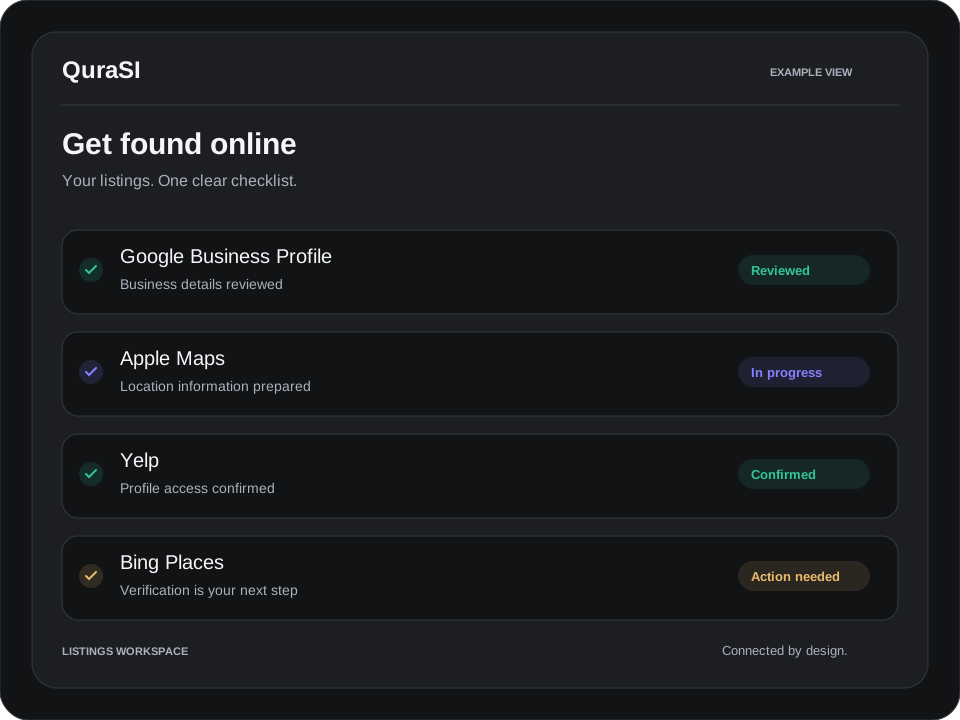
An assistant does not automatically have access to your inbox, calendar, or CRM. A connected workflow needs supported integrations, appropriate permissions, and an agreed scope. Reading information, drafting a change, and sending a message are different levels of access.

Choose the minimum access needed for the task. Review a provider’s controls before adding confidential customer records or sensitive business documents. Some tasks may be better handled with a short approved reference instead of broad account access.

Build in review

Check names, dates, amounts, availability, and any factual claims before using a draft. Keep decisions such as quotes, refunds, and commitments with the person responsible for them unless you have deliberately designed and tested another process.

Test your common questions

Give the assistant a small set of realistic requests, including an unclear question and a request outside your services. A useful result identifies missing information rather than making it up.

  • Does the reply match your business information?
  • Is it easy for a customer to understand?
  • Does it ask for review at the right point?
  • Can you update the reference without rebuilding everything?

QuraSI can help configure an assistant around agreed tasks and provide a practical handoff. Explore AI assistant services or choose a first automation.

News & Blog
Latest Tips & Articles

Keep Exploring

Online Presence
Get Found on Google, Apple Maps, Yelp & Bing
Read more
AI Receptionists
What an AI Receptionist Can Handle
Read more
Connected Tools
Connect Booking, Email & Customer Records
Read more