When someone searches for your business, the basics should be easy to find: what you do, where you work, when you are available, and how to reach you. A website and a map listing do different jobs. Your website explains your services; listings help people discover and contact your business inside the platforms they already use.
For a Winter Haven or Central Florida business, start with an audit of what already exists. You may find an old phone number, a duplicate entry, or a page created before you took over. Fixing those details is usually more useful than opening another account immediately.
Check before you create
Search your business name, address, phone number, and common name variations on each platform. Record the result and whether you can access the account. A page that you cannot find is not automatically proof that no page exists.
- Confirm your public business name and main phone number.
- Check your website address, hours, service area, and categories.
- Look for duplicates, old locations, and outdated ownership.
- Gather original photos and a clear service description.
Check eligibility
Google generally requires in-person customer contact during the stated hours and lists online-only businesses among its ineligible examples. Check its exceptions before applying. An eligible service-area business should represent how it actually operates. Creating an inaccurate storefront or using a mailbox as a business location is not a shortcut.
Claim with the owner
Use the platform’s current owner or authorized representative process. Keep the business owner in control of the account and document any management access you grant. Google requires express owner consent and owner involvement in verification. Verification methods and review times can vary; an agency cannot promise approval.
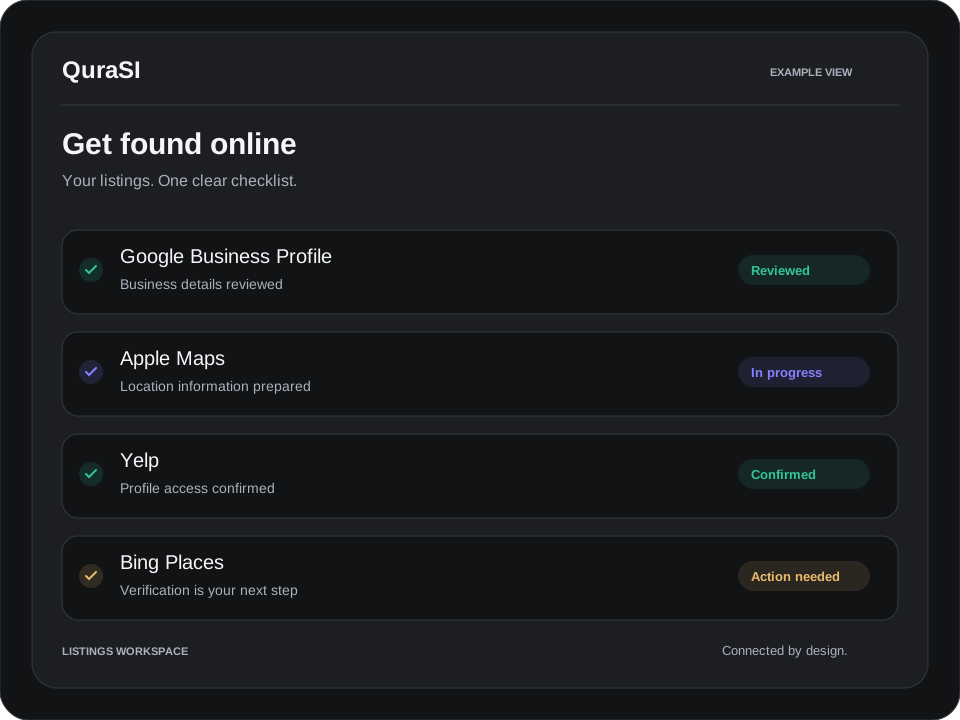
Apple’s current business portal includes tools for managing how a location appears on Maps. Yelp uses its own claiming and verification process. Follow each platform’s instructions rather than assuming one verification works everywhere.
Include Bing Places
Include Bing Places in your listing checklist. Check for an existing business profile, confirm the correct business details and follow the available ownership and verification steps. Keep your address, phone number, hours and website consistent with your other profiles.
Improve the useful details
Write a specific description, choose relevant categories, and use real photos of your work or location. Keep contact information and hours consistent with your website. Review the profiles whenever you move, change your number, or adjust opening hours.
Paying for setup assistance is different from paying a platform for advertising. Ask what the service fee covers, which accounts you will own, and what happens if a listing needs additional review.
Your next step
Make one document showing each listing, its status, and the changes needed. QuraSI can help scope listing setup or cleanup without promising rankings or platform approval. Explore setup packages or request a consultation.
Official resources