A website can look polished and still leave a visitor unsure what to do next. Before adding more sections, look at the path from a service page to a real conversation or appointment.
The goal is to make the next step obvious and ensure someone handles the inquiry after it arrives. That requires both a clear website and a reliable process behind the form.
Make the offer clear
Explain who the service is for, what it includes, and what happens next. Use a short heading and a button that matches the action: “Book a Call,” “Get Started,” or “Request a Quote.”
A booking button should lead to a booking process. If it opens an inquiry form, explain that you will review the request before confirming an appointment. Clear expectations are more useful than an impressive label that promises too much.
Ask for useful details
Keep the first form focused on what you need to take the next step. For many businesses, that includes contact details, the requested service, and a brief description of the need.
- Make required fields easy to identify.
- Ask for location when it affects service availability.
- Explain whether the form requests a quote or confirms a booking.
- Provide a clear success message and an alternative contact method.
Build the handoff
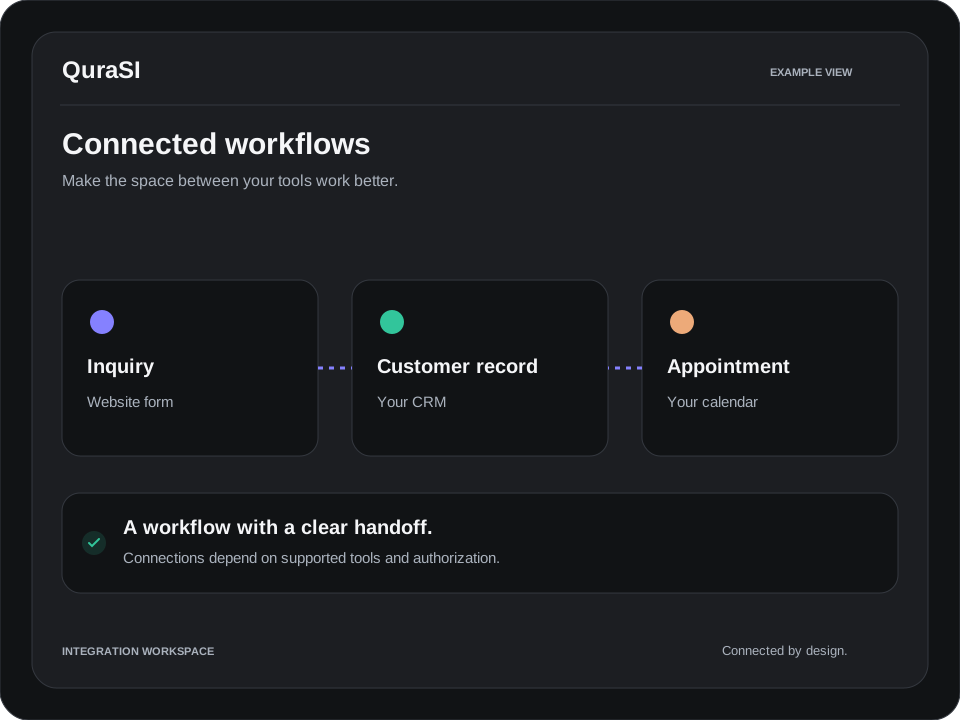
Decide where submissions go and who owns the response. A workflow might create a customer record, assign a follow-up task, and send an acknowledgment. These steps should be tested in the tools you actually use.
Acknowledgments should say what was received and what happens next. Only promise a response time your business can meet. If a calendar is connected, check appointment lengths, buffers, time zones, and confirmation messages.
Check the whole journey
Test on a phone as well as a computer. Submit a realistic request, confirm it reaches the right destination, and follow the path through to an appointment. Check error messages and what happens when a required field is missing.
- Can a visitor understand the service quickly?
- Does the button work on a small screen?
- Does the inquiry arrive with complete details?
- Can your team identify the next action?
Measure the gap
Track inquiries, responses, appointment offers, and confirmed appointments as separate steps. A low booking count may come from unclear copy, missing follow-up, unsuitable inquiries, or limited availability. Look at the evidence before changing everything.
QuraSI helps businesses connect website inquiries with practical booking and follow-up workflows. Review your website journey or read how to connect booking, email, and customer records.